server
Selected server
purchase ESC of Alibaba Cloud server, pick the cheast one from official recommendation and use linux operation system.
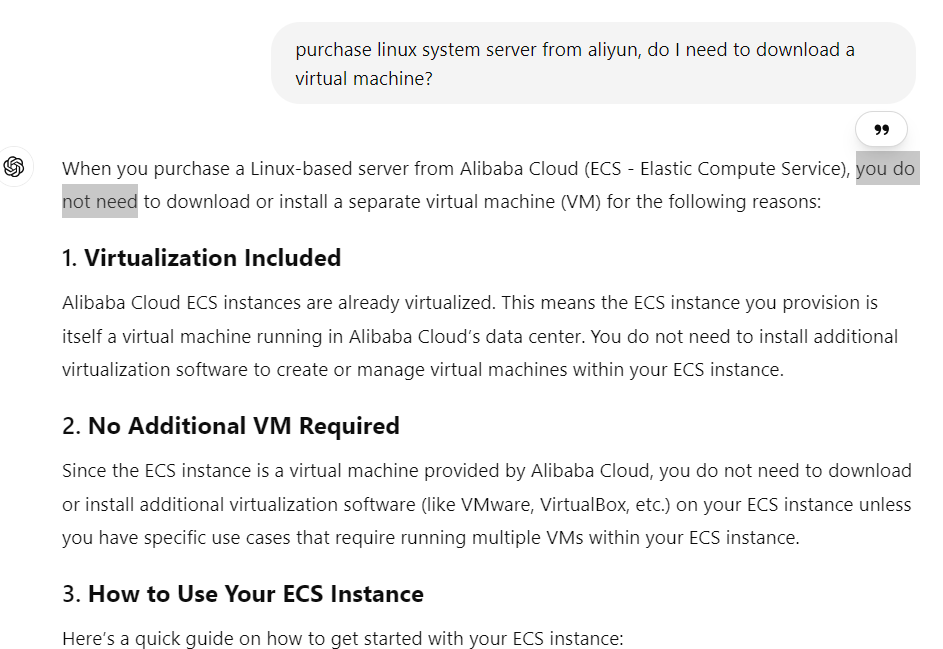
do you need to download a separate virtual machine?
deploy your project on server (only for CentOS)
Step 1.First, install the required packages:
node、git
Step 2.Configure Git
git config --global user.name "Your Name"
git config --global user.email "your-email@example.com"
Step 3.Transfer Your Next.js Project to the Server
git clone https://github.com/your-repo/your-nextjs-project.git
Step 4: Install project dependencies
npm install --legacy-peer-deps
note: The "--legacy-peer-deps" flag is used when you encounter compatibility issues with peer dependencies while installing packages. Peer dependencies are required by a package but aren't automatically installed alongside it. In some cases, when a package has not been updated to support the latest version of its peer dependency, the installation may fail due to conflicting versions. Adding the "--legacy-peer-deps" flag allows npm to use an older, compatible version of the peer dependency, ensuring a successful installation.
Step 5: Build and Start the Next.js App
npm run build
npm run start
note: By default, Next.js runs on port 3000. You can test if it's running by accessing http://<your-ecs-ip>:3000.
Step 6: Install and Configure Nginx for Reverse Proxy
sudo yum install nginx -y
Open the Nginx configuration file for editing:
sudo nano /etc/nginx/nginx.conf
Add the following configuration to reverse proxy requests from port 80 (HTTP) to port 3000 (Next.js app):
server {
    listen 80;
    server_name your-domain.com; # or your-ecs-ip

    location / {
        proxy_pass http://localhost:3000;
        proxy_http_version 1.1;
        proxy_set_header Upgrade $http_upgrade;
        proxy_set_header Connection 'upgrade';
        proxy_set_header Host $host;
        proxy_cache_bypass $http_upgrade;
    }
}
Enable and Restart Nginx:
sudo systemctl enable nginx
sudo systemctl start nginx
Step 7: Open Ports in Alibaba Cloud Security Group
note: Make sure that your ECS instance’s security group allows inbound traffic on port 80 (HTTP) and 443 (HTTPS, if using SSL). You can do this by:
Log in to your Alibaba Cloud Management Console.
Navigate to ECS Instances → Security Groups.
Add a rule to allow ports 80 and 443.
how to make your nextjs project keep startup status
Install PM2:
npm install -g pm2
Start your Next.js application with PM2:
pm2 start npm --name "nextjs-app" -- start
Save the PM2 process list and corresponding environments:
pm2 save
Set up PM2 to start on system boot:
pm2 startup
Verify that PM2 is managing your application:
pm2 list